How to Install OpenClaw Step by Step
A complete step-by-step guide to installing OpenClaw on your system. Covers all platforms: Windows, macOS, and Linux.
Introduction
This guide will walk you through the complete installation process for OpenClaw. Whether you're using Windows, macOS, or Linux, we've got you covered.
Prerequisites
Before installing OpenClaw, ensure you have:
- Node.js version 18 or higher
- npm or pnpm or yarn package manager
- A code editor (VS Code recommended)
- Git (optional but recommended)
Checking Prerequisites
Open your terminal and run:
node --version
npm --version
If you don't have Node.js installed, download it from nodejs.org.
Installation Methods
Method 1: Using npm (Recommended)
The easiest way to install OpenClaw is using npm:
npm install -g openclaw
Verify the installation:
openclaw --version
Method 2: Using pnpm
If you prefer pnpm:
pnpm add -g openclaw
Method 3: Using Docker
For containerized environments:
docker pull openclaw/openclaw:latest
Method 4: From Source
For developers who want to contribute or customize:
git clone https://github.com/openclaw/openclaw.git
cd openclaw
npm install
npm run build
npm link
Platform-Specific Instructions
Windows
- Open PowerShell or Command Prompt as Administrator
- Run the npm installation command
- Add OpenClaw to your PATH if needed:
setx PATH "%PATH%;%APPDATA%\npm" - Restart your terminal
macOS
- Open Terminal
- If you don't have Homebrew, install it:
/bin/bash -c "$(curl -fsSL https://raw.githubusercontent.com/Homebrew/install/HEAD/install.sh)" - Install Node.js via Homebrew:
brew install node - Install OpenClaw:
npm install -g openclaw
Linux
Ubuntu/Debian
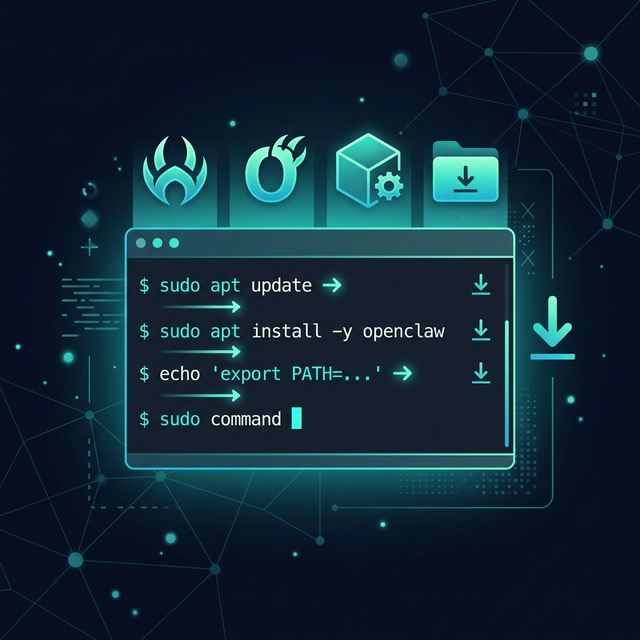
# Update package list
sudo apt update

# Install Node.js
sudo apt install nodejs npm

# Install OpenClaw
sudo npm install -g openclaw
CentOS/RHEL/Fedora
# Install Node.js
sudo dnf install nodejs npm

# Install OpenClaw
sudo npm install -g openclaw
Arch Linux
# Install Node.js
sudo pacman -S nodejs npm

# Install OpenClaw
sudo npm install -g openclaw
Initial Configuration
After installation, configure OpenClaw:
-
Initialize the configuration:
openclaw init -
Set up your API keys (if using cloud AI providers):
openclaw config set openai.api_key YOUR_API_KEY -
Verify configuration:
openclaw config list
Creating Your First Project
Let's create a simple project to verify everything is working:
# Create a new project
openclaw new my-first-agent
cd my-first-agent

# Start the development server
openclaw dev
You should see output indicating the server is running on http://localhost:3000.
Common Issues and Solutions
Permission Denied (macOS/Linux)
If you get permission errors, you may need to fix npm permissions:
mkdir ~/.npm-global
npm config set prefix '~/.npm-global'
echo 'export PATH=~/.npm-global/bin:$PATH' >> ~/.bashrc
source ~/.bashrc
Node Version Too Old
If you see a Node version error, upgrade Node.js:
# Using nvm (recommended)
nvm install 18
nvm use 18

# Or download from nodejs.org
Port Already in Use
If port 3000 is taken, specify a different port:
openclaw dev --port 3001
Windows Defender or Antivirus Warnings
Some antivirus software may flag OpenClaw. Add an exception for:
- The OpenClaw installation directory
- The
openclawexecutable
Next Steps
Now that OpenClaw is installed, you're ready to:
- Build your first agent: Follow our beginner tutorial
- Explore templates: Check out the template gallery
- Read the docs: Dive deeper into OpenClaw's features
- Join the community: Connect with other users
Updating OpenClaw
To update to the latest version:
npm update -g openclaw
Or reinstall:
npm uninstall -g openclaw
npm install -g openclaw
Uninstalling OpenClaw
If you need to remove OpenClaw:
npm uninstall -g openclaw
FAQ
Q: Can I install OpenClaw without admin/sudo access?
A: Yes, use a Node version manager like nvm or install locally in your project.
Q: How much disk space does OpenClaw need?
A: Approximately 500MB for the base installation, plus space for your projects.
Q: Can I use OpenClaw offline?
A: Yes, if you're using local AI models. Cloud providers require internet access.
Q: Is there a GUI version?
A: OpenClaw is primarily CLI-based, but web interfaces are available through community plugins.
Conclusion
You now have OpenClaw installed and ready to go! The installation process is straightforward across all platforms. If you encounter any issues not covered here, check our troubleshooting guide or reach out to the community.
Happy building!
OpenClaw Security & Deployment Brief
Get the weekly OpenClaw Security & Deployment Brief — malicious skill alerts, CVE breakdowns, cost optimization tips.