OpenClaw Configuration Guide (Complete Walkthrough)
Learn how OpenClaw configuration works, how to structure your YAML settings, and how to avoid common mistakes when setting up agents, tools, memory, and logging.
Introduction
Once you can create and run an OpenClaw project, the next thing that matters is configuration. Good configuration makes your agent easier to test, easier to debug, and easier to scale.
This guide explains how OpenClaw config works, what settings matter most, and how to structure your YAML so your project stays understandable as it grows.
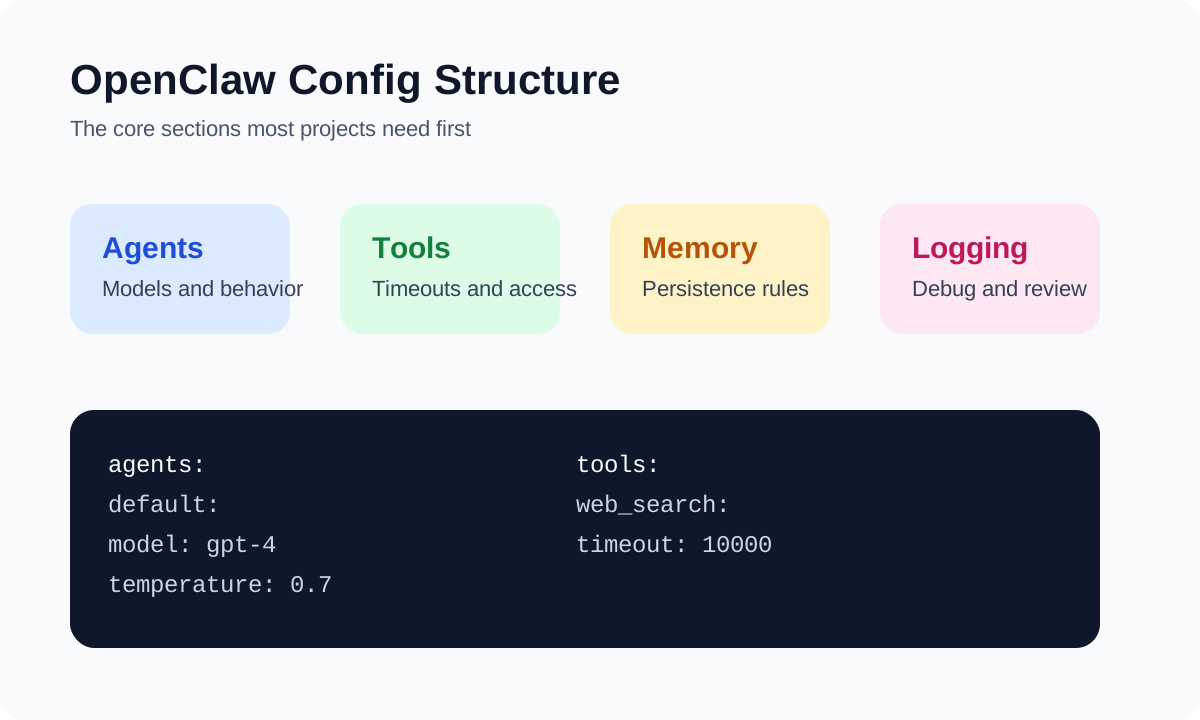
What OpenClaw Configuration Usually Controls
In most projects, configuration defines:
- which model the agent uses
- how the agent should behave
- which tools are available
- how memory is stored
- how logging and debugging work
That means configuration is not just setup. It is part of the agent's operating system.
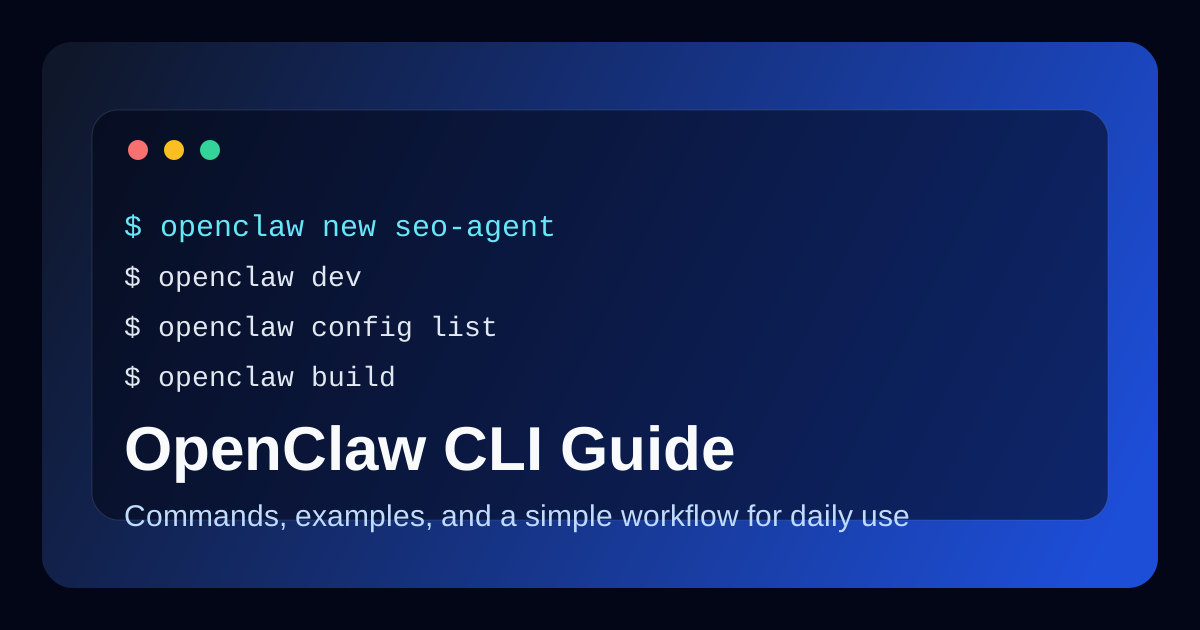
If you have not used the CLI yet, read OpenClaw CLI Guide: Commands and Examples first.
Why Configuration Deserves Attention
Many beginner projects work at first, then become fragile because settings are scattered or unclear.
A clean config helps you:
- change behavior without rewriting everything
- switch models or environments faster
- test one variable at a time
- make team collaboration easier
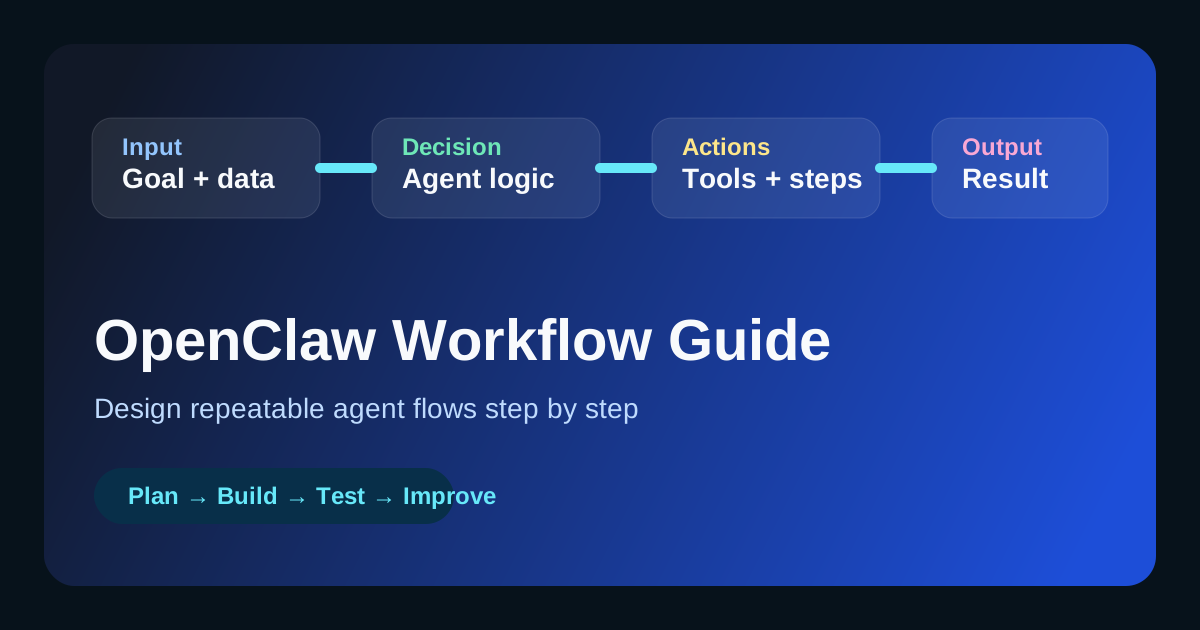
This becomes even more important when you move from a single prompt to a real workflow. For that transition, see OpenClaw Workflow Guide (Step-by-Step).
A Simple Example Config
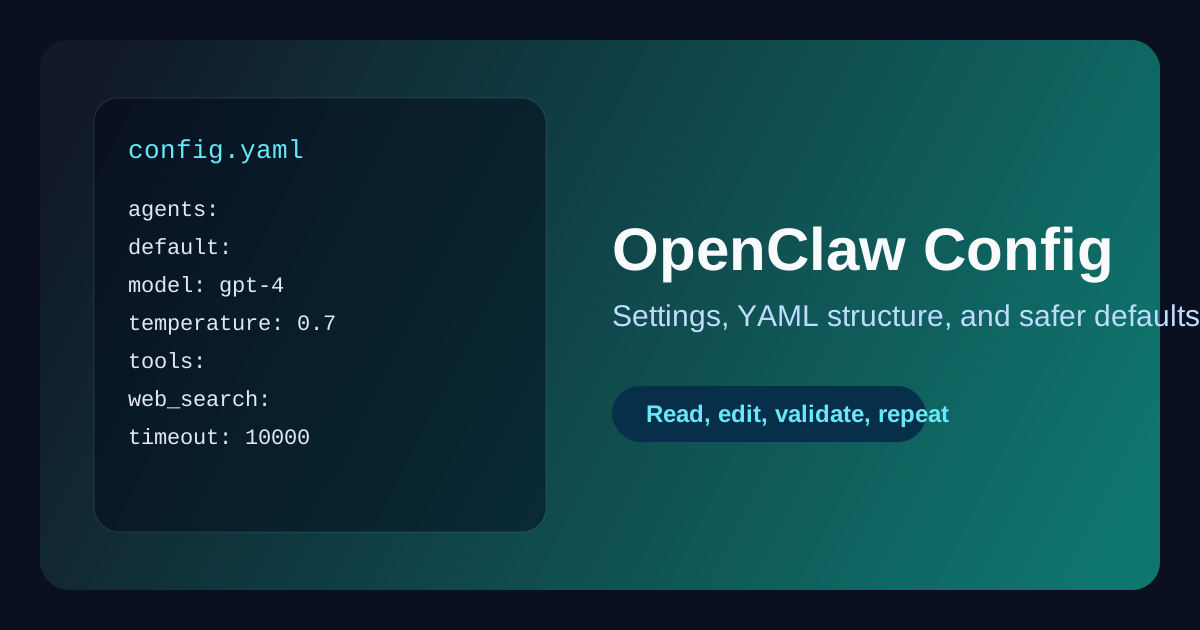
Here is a practical starting point:
agents:
  default:
    model: gpt-4
    temperature: 0.7
    max_tokens: 2000

tools:
  web_search:
    timeout: 10000
    max_results: 5

memory:
  type: persistent
  storage: ./memory

logging:
  level: info
  file: ./logs/agent.log
This is not the only valid structure, but it is a good mental model for most beginner projects.
Core Sections Explained
agents
This section usually controls the default model and how the agent generates output.
Common settings include:
modeltemperaturemax_tokens
Use this section when you want to change tone, output length, or the underlying model.
tools
This section defines which tools are available and how they behave.
Examples:
- request timeouts
- result limits
- API-related settings
If a workflow depends on web search, file writing, or HTTP requests, this section becomes critical.
memory
This section controls whether the agent keeps context between interactions and where that context is stored.
Memory settings matter when:
- you want follow-up conversations
- you need persistent task history
- your workflow spans multiple steps
logging
This section helps you debug and review behavior.
Logging becomes more important as soon as you ask:
- why did the agent choose that action?
- where did the workflow fail?
- what changed after the latest config update?
How to Read a Config File Without Getting Lost
A simple method works well:
- Identify the main section
- Find the few settings that affect behavior directly
- Ignore advanced options until the base workflow works
- Change one variable at a time
This prevents random trial and error.
How to Edit OpenClaw Config Safely
Use this process whenever you change settings:
Step 1: Start From a Minimal Baseline
Do not begin with a huge config file copied from five different examples.
Start with one agent, one or two tools, and basic logging.
Step 2: Change One Setting at a Time
If you change model, temperature, memory, and logging together, it becomes hard to tell what caused the result.
Instead:
- change one variable
- run the project
- compare behavior
- document the result
Step 3: Validate With a Real Test
A configuration change only matters if it improves actual workflow output.
For example:
- shorter responses
- better formatting
- fewer tool failures
- more stable multi-step runs
Example: Config for a Content Agent
If you are building a content workflow, a config like this is a reasonable starting point:
agents:
  default:
    model: gpt-4
    temperature: 0.5
    max_tokens: 2500

tools:
  web_search:
    timeout: 10000
    max_results: 5

memory:
  type: persistent
  storage: ./memory

logging:
  level: info
  file: ./logs/content-agent.log
This works well for structured drafting tasks, especially when combined with a system like How to Build an AI SEO Agent.
Common Configuration Mistakes
These are the issues that slow teams down most often.
Mixing Too Many Concerns Into One Change
When too many settings change at once, debugging becomes guesswork.
Using Advanced Settings Too Early
If the base workflow is not stable, advanced tuning usually adds confusion instead of value.
Ignoring Logging
Many people add tools and prompts but forget logging. Then when something breaks, they cannot tell where the failure started.
Poor YAML Formatting
YAML is readable, but it is also sensitive to indentation.
Example:
# Better
tools:
  web_search:
    timeout: 10000
Small formatting mistakes can break the whole configuration.
Best Practices for OpenClaw Config
Use these habits from the beginning:
- keep the file structure simple
- group related settings together
- use consistent indentation
- test after every meaningful config change
- keep example configs for successful workflows
The point is not to create the biggest config file. The point is to create the clearest one.
Recommended Beginner Workflow
If you are still learning configuration, follow this sequence:
- Install OpenClaw
- Create a project with the CLI
- Start with a minimal config
- Run the workflow locally
- Add one tool
- Add memory if needed
- Add logging early
This path is slower than copying a large config from somewhere else, but it produces more reliable results.
Quick Reference Table
| Section | What it affects | Why it matters |
|---|---|---|
agents |
model behavior | controls output style and limits |
tools |
external actions | affects workflow capabilities |
memory |
context retention | supports multi-step tasks |
logging |
debugging visibility | helps trace failures |
FAQ
What is the most important OpenClaw config section?
For most projects, start with agents and tools. Those two sections usually have the biggest impact on behavior.
Should beginners use persistent memory right away?
Only if the workflow really benefits from context across steps. Otherwise, start simpler and add memory later.
How often should I change config settings?
Only when you are testing a specific hypothesis. Random tuning usually creates noise, not progress.
Conclusion
OpenClaw configuration is where your project becomes repeatable. A clear config file lets you control behavior, test changes, and scale workflows without losing track of how everything fits together.
Start small, keep the structure readable, and treat configuration like part of the product instead of an afterthought.