OpenClaw Workflow Guide (Step-by-Step)
Learn how to design an OpenClaw workflow from goal definition to testing, automation, and optimization. A practical step-by-step guide for beginners.
Introduction
Building an agent is not the hard part. Building a workflow that stays reliable after the first demo is the real challenge.
This guide explains how to create an OpenClaw workflow step by step. You will learn how to define the goal, pick the right tools, test edge cases, and improve the workflow over time.
What Is an OpenClaw Workflow?
An OpenClaw workflow is the sequence your agent follows to move from a user request to a usable result.
A workflow usually includes:
- an input or trigger
- instructions for the agent
- one or more tools
- rules for formatting or validation
- an expected output
For example, a content workflow might:
- Receive a keyword
- Generate a brief
- Draft an article outline
- Produce the first draft
- Suggest internal links and updates
That is a workflow, not just a prompt.
Why Workflows Matter
Without a workflow, your agent may still respond, but results are harder to repeat and harder to improve.
A good workflow helps you:
- reduce random output quality
- make testing easier
- identify where failures happen
- scale one successful use case into many
If you already built a first project, review Build Your First AI Agent with OpenClaw before expanding it into a multi-step workflow.
Step 1: Define One Clear Outcome
Start with a single outcome that you can verify.
Good workflow goals:
- create a content brief from one keyword
- summarize research from five sources
- classify support tickets by urgency
- draft a reply and save it to a file
Weak goals:
- be a smart assistant
- help with marketing
- automate everything
The narrower the first version, the faster you can improve it.
Step 2: Map Inputs, Decisions, and Outputs
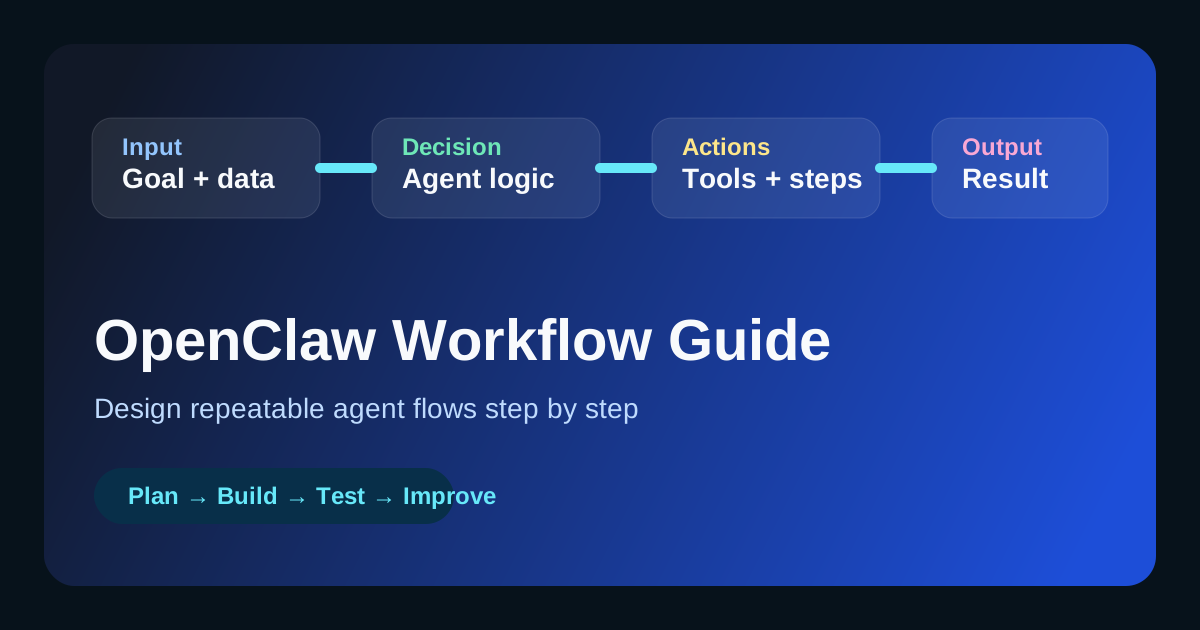
Before you configure anything, list the three basic parts:
Inputs
- user message
- file
- API data
- scheduled trigger
Decisions
- does the agent need web search?
- should it ask a follow-up question?
- which tool should it call first?
- does the result need formatting or validation?
Outputs
- a structured answer
- a markdown file
- a JSON payload
- a saved note or notification
This prevents vague agent design.
Step 3: Choose the Minimum Tool Set
Do not add every tool at once. Start with the smallest useful set.
For many workflows, these are enough:
web_searchsummarizationfile_writehttp_request
If you are still deciding which capabilities matter most, use Best OpenClaw Tools for Beginners as your baseline.
Step 4: Write Better Instructions
Most weak workflows fail because the instructions are too broad.
Your instructions should define:
- the agent role
- the goal
- the order of operations
- formatting expectations
- what to do when data is missing
Example Instruction Block
instructions: |
  You are a workflow agent.
  Your job is to:
  1. Understand the request
  2. Decide whether a tool is needed
  3. Use the minimum number of tools required
  4. Return a structured response
  5. Mention missing information clearly

  When uncertain:
  - do not invent facts
  - ask for the next required input
  - keep the output concise and actionable
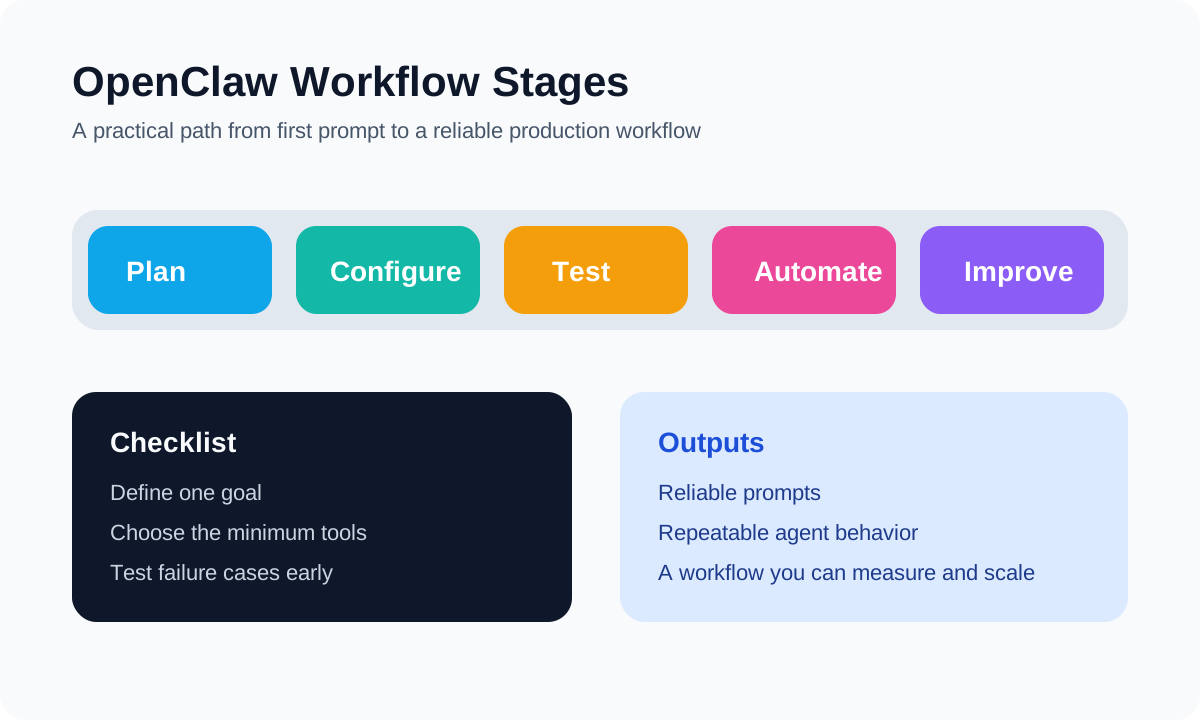
Step 5: Build the Workflow in Stages
Do not try to automate the full business process on day one.
Instead, build in stages:
Stage A: Manual Prompt Flow
Test the workflow in chat first:
- give one input
- inspect the answer
- identify missing steps
Stage B: Basic Agent Configuration
Move the stable logic into your agent configuration.
Stage C: Add Tools
Only add tools after the prompt logic is clear.
Stage D: Save Outputs
Once quality is stable, write outputs to files, databases, or external services.
Step 6: Test Failure Cases Early
Many workflows look great with the happy path and collapse on real input.
Test these cases:
- incomplete user requests
- ambiguous requests
- external tool failure
- too much input data
- unsupported formats
Your workflow is only useful if it handles imperfect input.
Step 7: Add Metrics and Review Loops
A workflow improves faster when you measure it.
Track simple questions:
- Did the output match the goal?
- How often did the workflow require manual fixes?
- Which step failed most often?
- Which prompts caused weak output?
If your workflow supports content operations, combine this with the review loop from How to Build an AI SEO Agent.
Example: A Simple Content Workflow
Here is a practical OpenClaw workflow for content production:
- Receive one primary keyword
- Identify search intent
- Create a brief
- Generate title options
- Draft an outline
- Write a first draft
- Suggest internal links
- Export the article as markdown
This is useful because every step can be inspected and improved separately.
Common Workflow Mistakes
Avoid these mistakes:
- starting without a measurable goal
- giving the agent too many tools
- skipping failure-case testing
- changing prompts without documenting results
- assuming one strong response means the workflow is production-ready
The best workflow is usually the simplest one that works consistently.
Recommended Workflow Template
Use this template when planning your next OpenClaw workflow:
| Part | Questions to answer |
|---|---|
| Goal | What exact result should the workflow produce? |
| Input | What information starts the flow? |
| Logic | What decisions must the agent make? |
| Tools | Which tools are truly required? |
| Output | What should the final result look like? |
| Review | How will you measure and improve it? |
FAQ
How many steps should an OpenClaw workflow have?
Start with as few as possible. Three to five clear steps are easier to test than a large automated chain.
Should I use multiple agents?
Only when one agent becomes hard to manage. A single well-structured workflow is usually better for the first version.
What is the best first workflow for beginners?
A content brief workflow, research workflow, or simple support triage workflow is usually easier than a full production assistant.
Conclusion
An OpenClaw workflow should be treated like a system, not a one-off prompt. Define one goal, choose the minimum tools, write specific instructions, test failure cases, and improve based on real results.
Once this process feels stable, you can expand into richer automations such as SEO agents, marketing agents, or customer support workflows.
OpenClaw Security & Deployment Brief
Get the weekly OpenClaw Security & Deployment Brief — malicious skill alerts, CVE breakdowns, cost optimization tips.